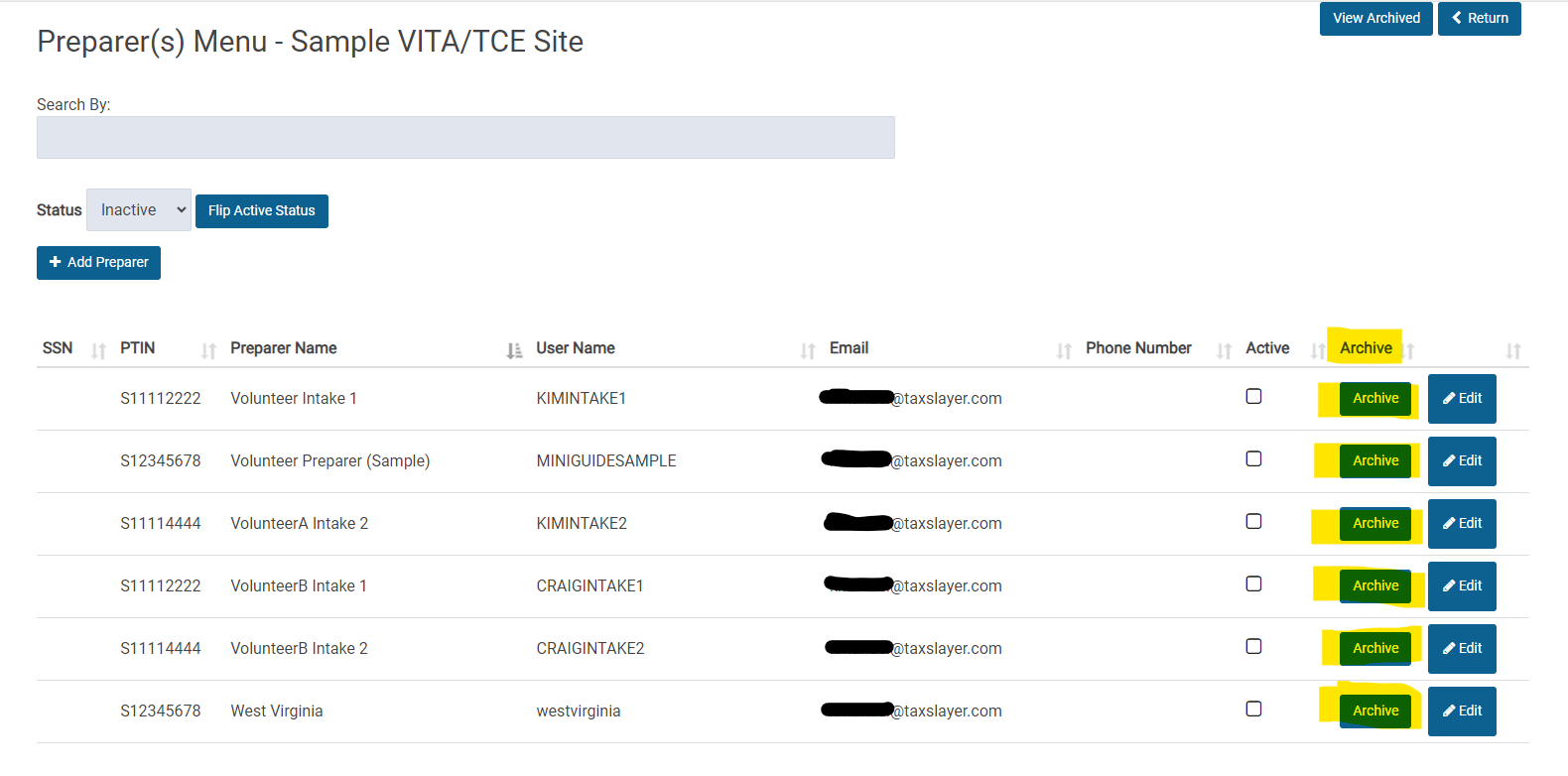
We have added an easier way to archive Preparers that you know will not be volunteering at your site in the future.
- Select Configuration
- Select Preparer Setup
- Once you have marked the appropriate preparers are “Inactive”, change the Status to “Inactive”
- Click “Archive” next to each preparer that you know will not be volunteering at your site in the future.
- In the past, you had to edit each inactive user to mark them as archived.
This process will make it easier to manage your active/inactive users by not displaying those that will not be returning.