The redesign of the e-file section has caused some confusion over when to use the security template option of “Do not Force Return Review”
How do I force a preparer to mark a return for review?
Review your security template and make sure the following option does not have a checkmark next to it. This will force the user to mark the return for review prior to saving and exiting the return.

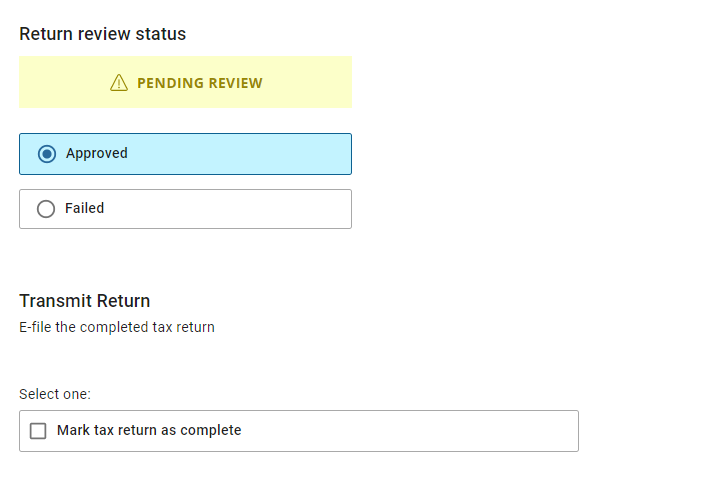
The Mark Return Complete option does not automatically display when my reviewer approves the return
Edit the security template associated with the reviewers username and select the checkmark next to “Do not Force Return Review”. This will allow the “Mark Tax Return as Complete” box to automatically appear

Why does TaxSlayer recommend using a different username to review the return?
The application is designed to capture key changes in the client history. If the preparer and quality reviewer are using the same username, any changes to key items such as AGI, RTN, ACCT, refund/balance due are logged as the same user which could make it harder to track down changes to the return.