Notes from the February 8th All Partner Call:
- As of Monday the 5th, 105,000 returns have been transmitted
- IRS will begin processing refunds for EITC/CTC beginning February 15th
- Prior year and state only e-filing is available. Turned on February 2nd
- Issue #1758 2022 returns are getting stuck in the transmitted state. Please reach out to support with your EFIN and last 4. We will make a blog post when this is resolved.
- CO indicates they will open for e-file mid-February (around the 12th)
- NM has indicated they will be slow to return acknowledgements over the 1st couple weeks of e-file
- Watermarks on state return forms will be removed as forms approvals are received
- Customer portal dashboard recently released
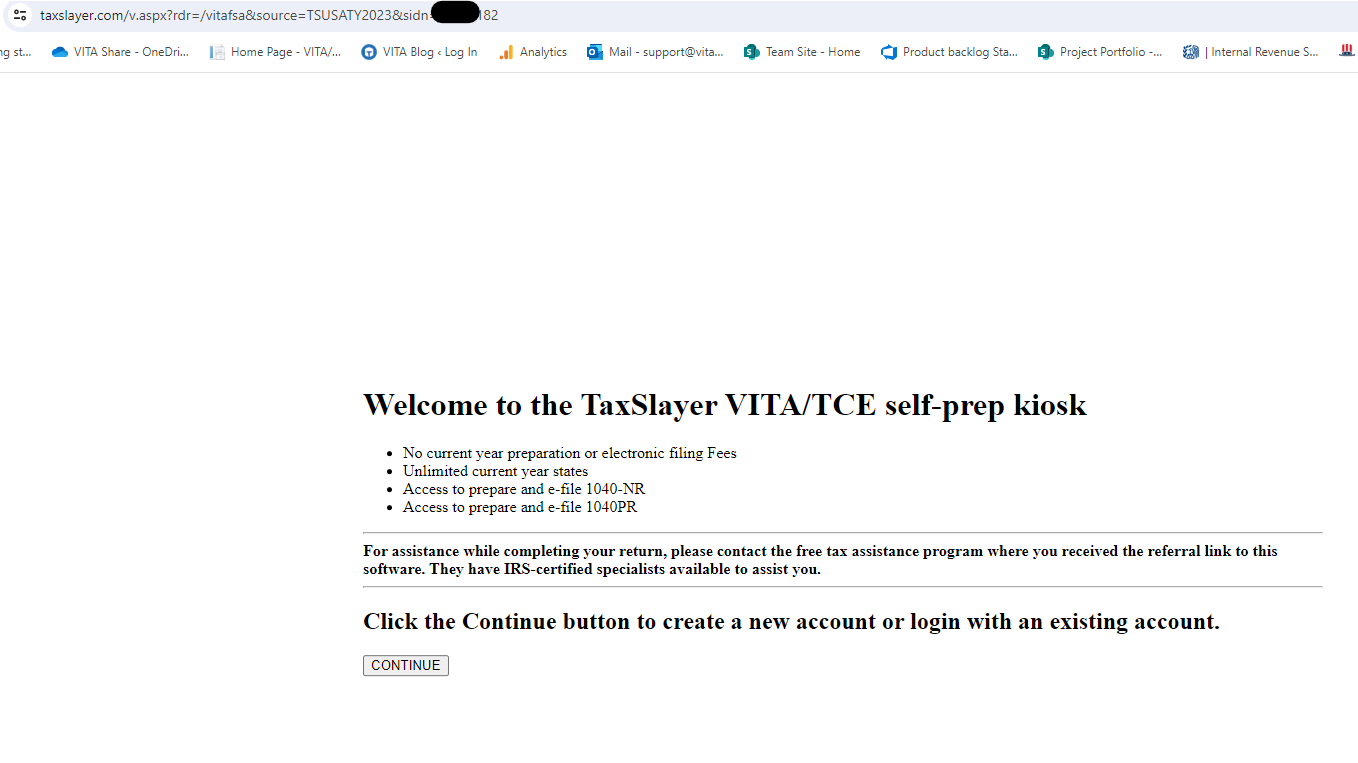
- FSA Kiosk sites: If you have received your URL, be sure to copy and paste it into your browser instead of clicking the link in the e-mail (e-mail service provider could perceive the URL as a phishing attempt)
Q: We are getting a lot of rejects indicating we need to complete form 8862 for disallowance of EITC/CTC/AOC. The taxpayer is stating they have never been disallowed. Is there any way for the software to detect this?
A: No. The IRS keeps this information on file for several years. You will have to load and complete Form 8862.
Q: It is hard to quality review dividend statements because we have to drill down into the return. We submitted suggestion #271382 to add detailed information, where are you at on this.
A: We have completed the requirements document for this. It is now in the phase of being sized and prioritized by our product team.
Q: It is hard to allow the taxpayer to verify their RTN and ACCT number for direct deposit when the information is masked. Is there a way to not mask this information.
A: This is controlled by the “View full taxpayer SSN” permission in Roles & Permissions.
Q: Why do we have to complete the EIC Due Diligence worksheet, we are not paid preparers? (Updated answer)
A: By default, the program does require this worksheet. The Due diligence form will always load in the Forms Completed tree. If the volunteer clicks on it, they can just click on another form in the tree without going through and answering the questions. Even if they answer the questions, it will not be included in the e-file since you are not paid preparers.
Q: My 2022 Amended return was rejected by the IRS.
A: The IRS made a schema change that impacted prior year returns with a 1099-R with federal withholding. We have a work item Issue #1762 that is in final stages of testing and should be delivered within the next few days. Once delivered you will be able to resend those rejected returns.
Q: We are having an issue with the new Alabama RS getting rejected?
A: Issue #1819 will be deployed on Friday, February 9th. Alabama is also making some changes on their end as well to accommodate the new form.
Q: We love the customer portal and the dashboard. However, our volunteers send the link to everyone even if the don’t need it. Is there a way to cancel an invite?
A: Currently no, but that is a great suggestion.
Q: Why did you get rid of the pop-ups on the state returns for taxable pensions and other things for MO?
A: This is an issue and is being worked on.
Q: Is there a difference in the calculations between the Practice Lab and our production site?
A: No, the Practice Lab is a site inside of the Production System just like your production site.
Q: Other software companies allow you to download and import income documents directly into the program so we don’t have to key in the information. Is this something we will be able to do in the future?
A: No. Due to security protocols, we will not allow third party APIs to access the VITA/TCE environment.
Q: Why is box 2(a) no longer auto populating on the 1099-R when you complete Box 1?
A: We did some research and found that this is an issue if the return utilized prior year data. We have opened a high priority ticket to resolve this Issue #1833.
Q: Will the AZ state rebate deduction be automatically subtracted or will we need to continue to manually enter the subtraction amount?
A: Issue #1810 has passed testing and is waiting to be deployed. It will be a manual entry.
Q: Will we have to continue to enter the 4 digit code for the Ohio School District for SD withholding
A: Yes.
Q: We are noticing that the complete/incomplete in the signature column is not always correct.
A: We have Issue #1690 to resolve this. It has been escalated.