3/6/25 – This bug has been resolved. The QCD entry within the 1099-R menu now subtracts from the Box 2a taxable amount. DO NOT manually reduce Box 2a prior to completing the QCD menu.
2/28/25 – A bug was introduced this morning and is expected to be resolved Monday, March 3rd.
Issue: Adding the QCD within the new 1099-R QCD menu is locking Box 2a and is not allowing the preparer to manually adjust out the QCD.
Workaround: Go back to how QCD’s were reported prior to the new 1099-R QCD menu. Go into the Nontaxable Distributions menu and check the QCD box. Then, go into the 1099-R and adjust Box 2a accordingly.
In this mornings’ deployment, a popular suggestion is now live in the software! Reporting a Qualified Charitable Distribution (QCD) can now solely be handled within the 1099-R entry! You no longer also have to visit the Nontaxable Distributions menu separately. Below is how it works currently.
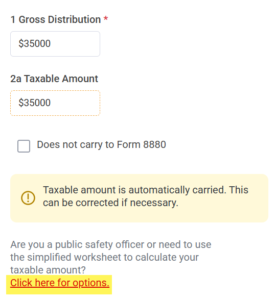
Within the 1099-R, the link below Box 2a, where the Simplified Method Worksheet and PSO menus are, now also has a menu for Qualified Charitable Distributions (QCD).
To add your QCD, select the “Click here for options” link.
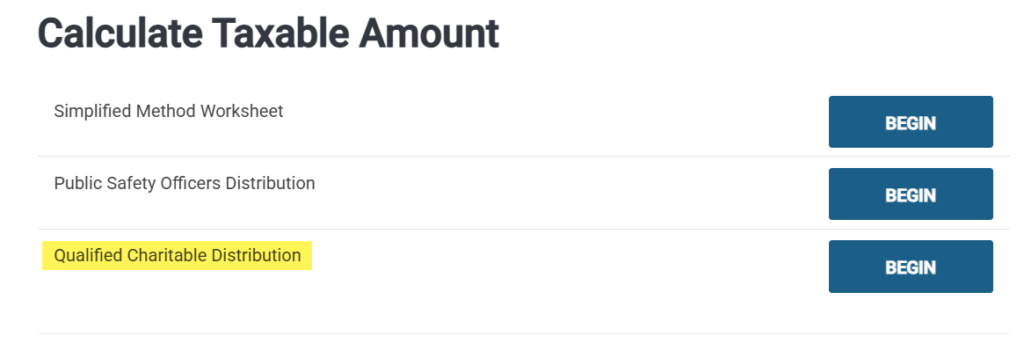
Next, select the “Qualified Charitable Distribution” menu.
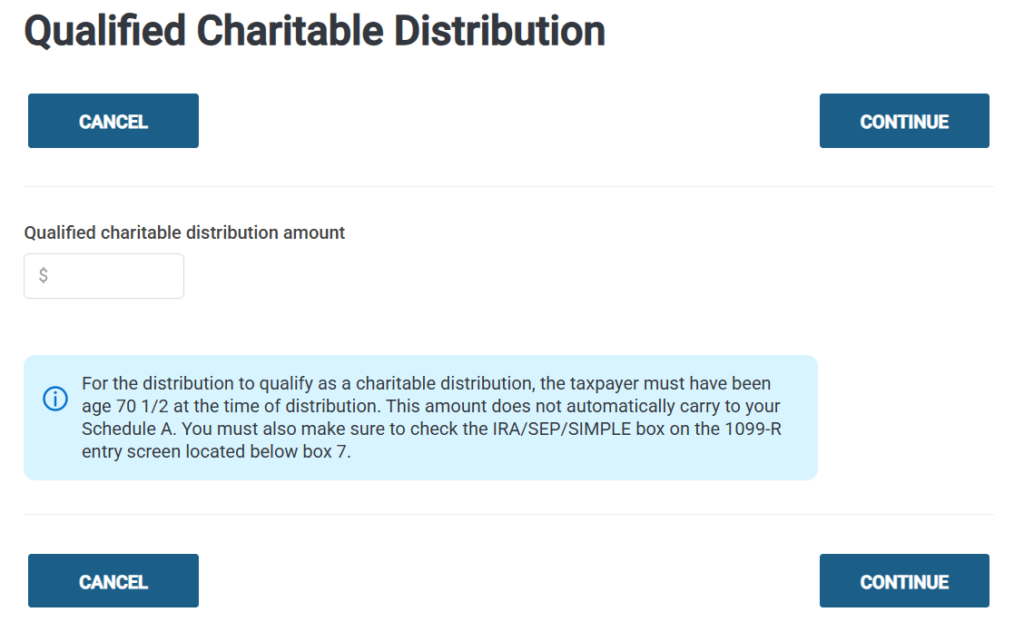
Here is where you will enter the QCD amount. The QCD indicator will automatically carry to Form 1040 and the existing QCD checkbox will be automatically be marked within the Nontaxable Distributions menu.
Note: You will still need to manually reduce Box 2a by the QCD amount currently. A future update in the next week or so will allow for the QCD entry to automatically adjust the taxable amount in Box 2a as well.