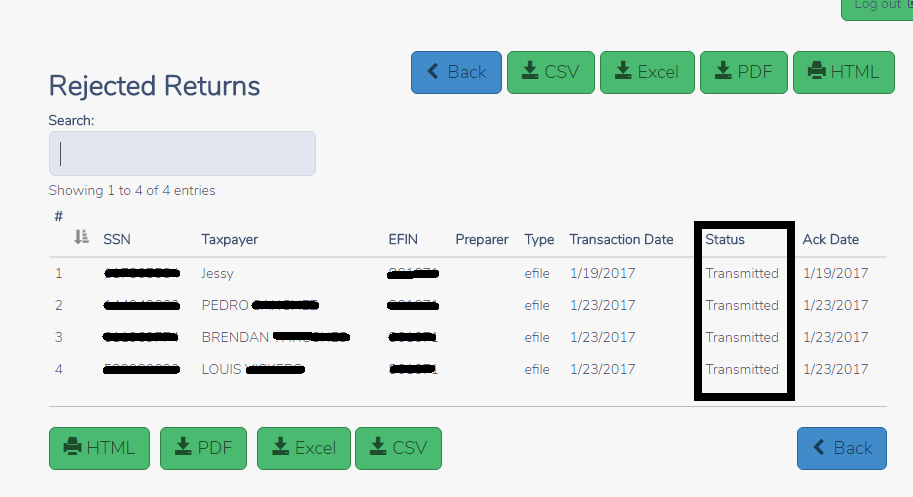
The rejected Returns report display a list of returns that have been IRS Rejected. The Status column is currently showing ‘Transmitted’ instead of rejected
Blog Posted 01/24/2017 8:53 AM EST
The rejected Returns report display a list of returns that have been IRS Rejected. The Status column is currently showing ‘Transmitted’ instead of rejected
Blog Posted 01/24/2017 8:53 AM EST
The following reports are now available
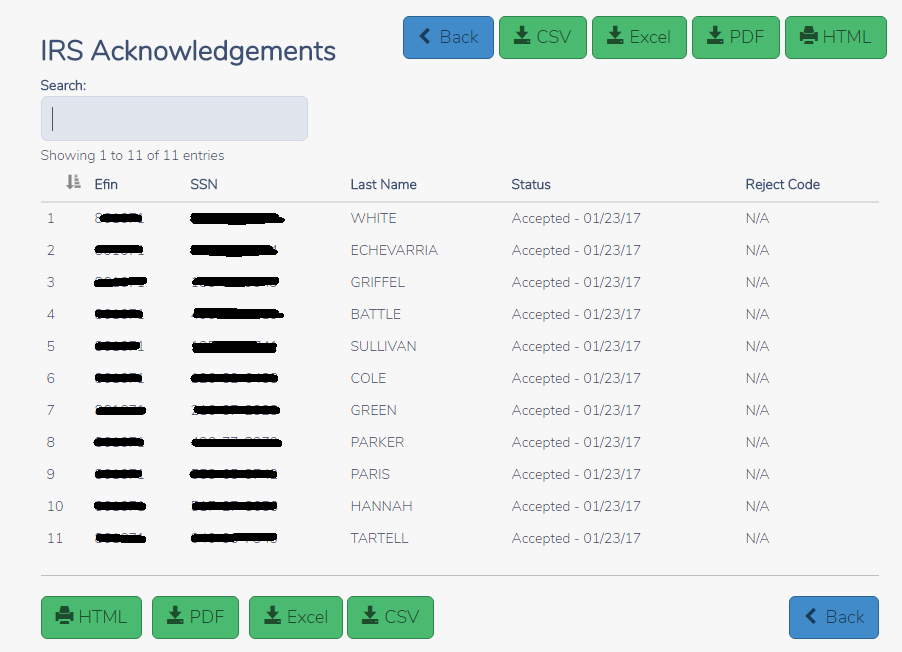
Click Select on IRS Acknowledgements to display the current acknowledgements that you have NOT previously viewed. Below is an example IRS Acknowledgement. You can print the report via PDF or HTML or you can export the report to a CSV or Excel file.
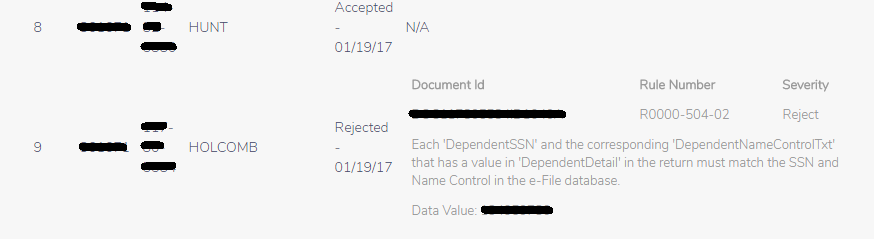
Below is an example of how detailed reject information displays on the IRS Ack or Old IRS Ack report. This is the same information located for the return on their Client Status Page.
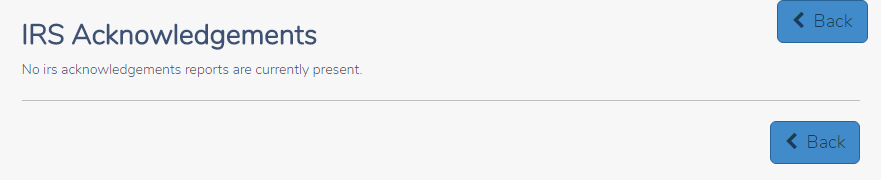
Once you have viewed the report or have NO current acknowledgements, you will see the following when you select IRS Acknowledgements:
Using Old IRS Acknowledgement Reports: All viewed acknowledgements are automatically displayed in Old IRS Acknowledgements if you need to view them at a later time.
Select your date range to narrow down the list and Click Continue
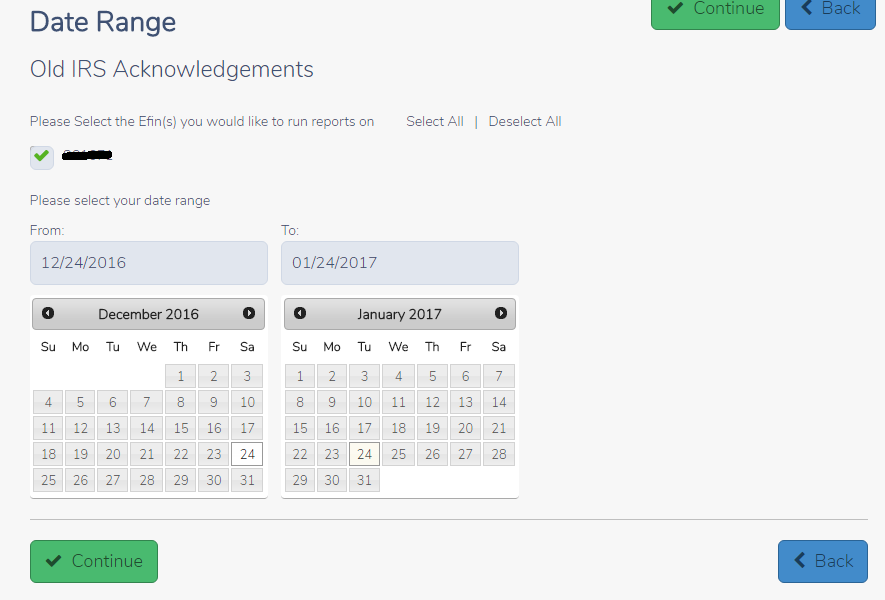
You will see a list of all the IRS acks within the date range. You can search by SSN or name to more easily find the acknowledgement. You also have the option print via PDF or HTML and export to a CSV or Excel file.

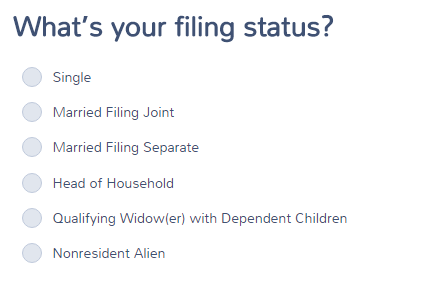
The 1040NR/1040NR EZ selection will be made at the point of selecting a Filing Status after the roll out of Taxslayer 2016. We will be creating detailed training material on return navigation. You will see this change over the next few weeks as we move through e-file testing with the IRS.
The below screenshot reflects where you will start the return.